Explore the dBeaver sample database
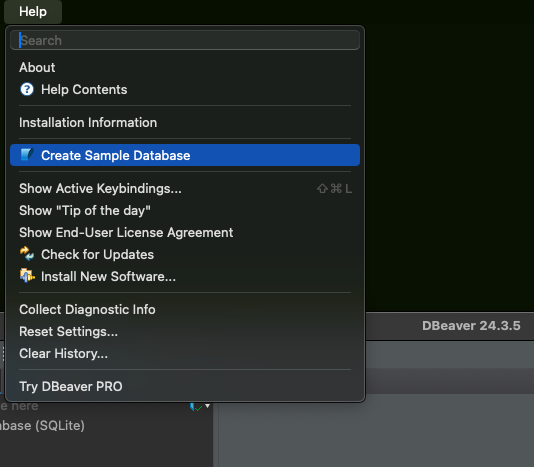
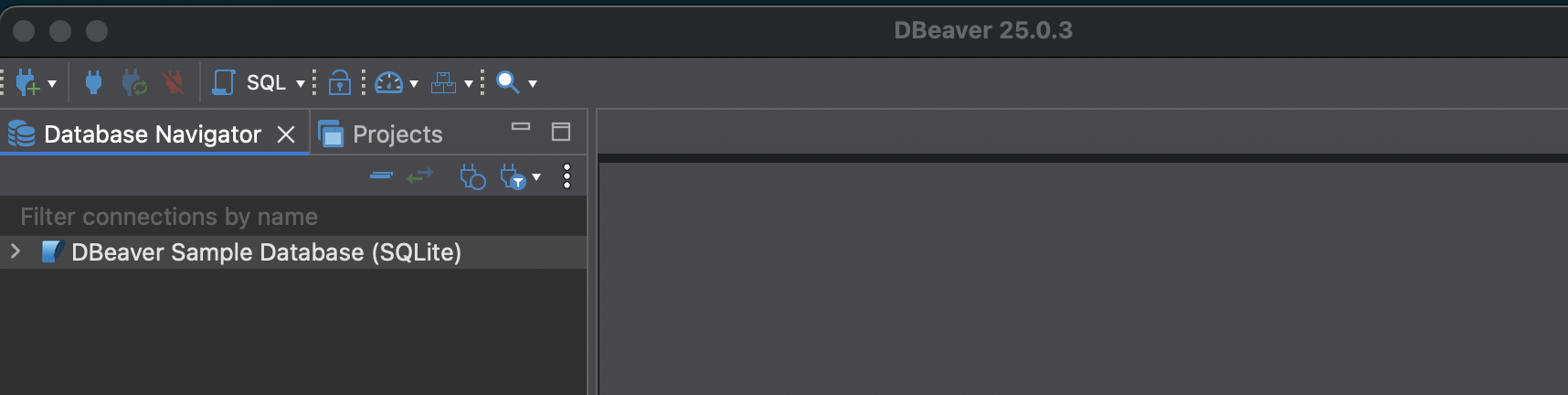
In the previous post, we installed dBeaver and created a sample database. Now let’s explore what’s inside. Installing dBeaver allows you to generate a sample database. This is nice because it lets you work with data right away. To work with the sample database you will need to install SQLite drivers. Once the drivers are installed, you can see the tables and other attributes of the database. ...