The Veil
Every time you move your hand to the mouse to find a terminal, you’re losing the race against your own AI. I was clicking through the View menu for months before I found this. VS Code has a terminal built in, and you can summon it without touching the mouse.
The Dross
Vibe-coding is high-frequency work. You’re jumping between the code the AI gave you and the terminal where you need to run it. If that jump takes three clicks, you’ll stop doing it. You’ll start “guessing” if the code works instead of “knowing.”
The Strike
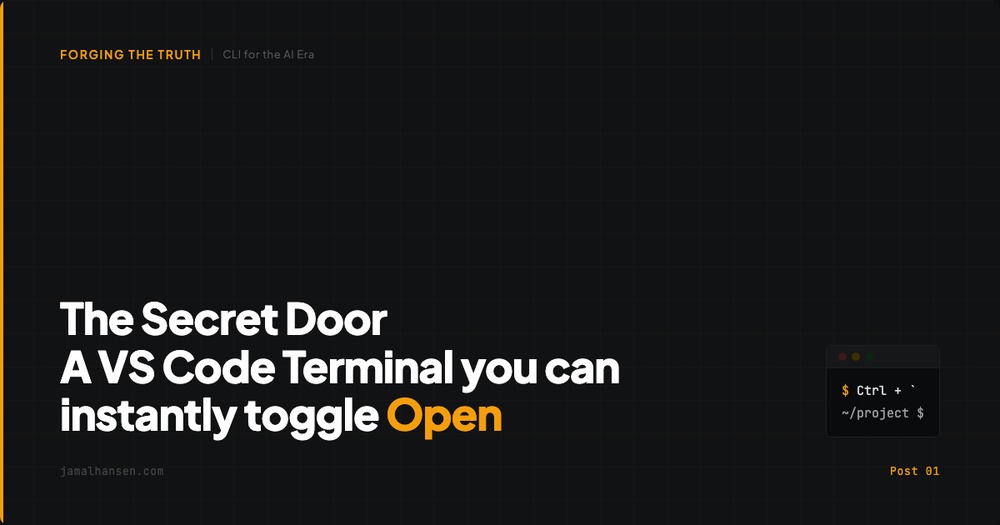
Summon the integrated terminal with one keystroke. Same shortcut on every platform.
Ctrl + `
This works in VS Code on all platforms. Mac users: Ctrl, not Cmd.
Try it now. Open and close the terminal five times in five seconds. Feel the friction disappear. You’re no longer visiting the terminal. You’re living in it.
The Truth
Every hallucination your AI generates has a name, a path, or a dependency you can check. The terminal is the forge where you test what the AI shaped. One keystroke closes the gap between “the AI said so” and “I know it works.” That gap is where bad code ships.
Next up: we will discuss how not all terminal windows are created equal.
