Insights on data engineering, AWS certifications, AI technologies, and the evolving landscape of modern software development
Welcome to my blog where I share my journey as a data engineer exploring the intersection of cloud technologies, artificial intelligence, and purposeful system design.
Here you’ll find practical insights from my AWS certification journey, experiments with agentic AI systems, and reflections on building technology solutions that matter.
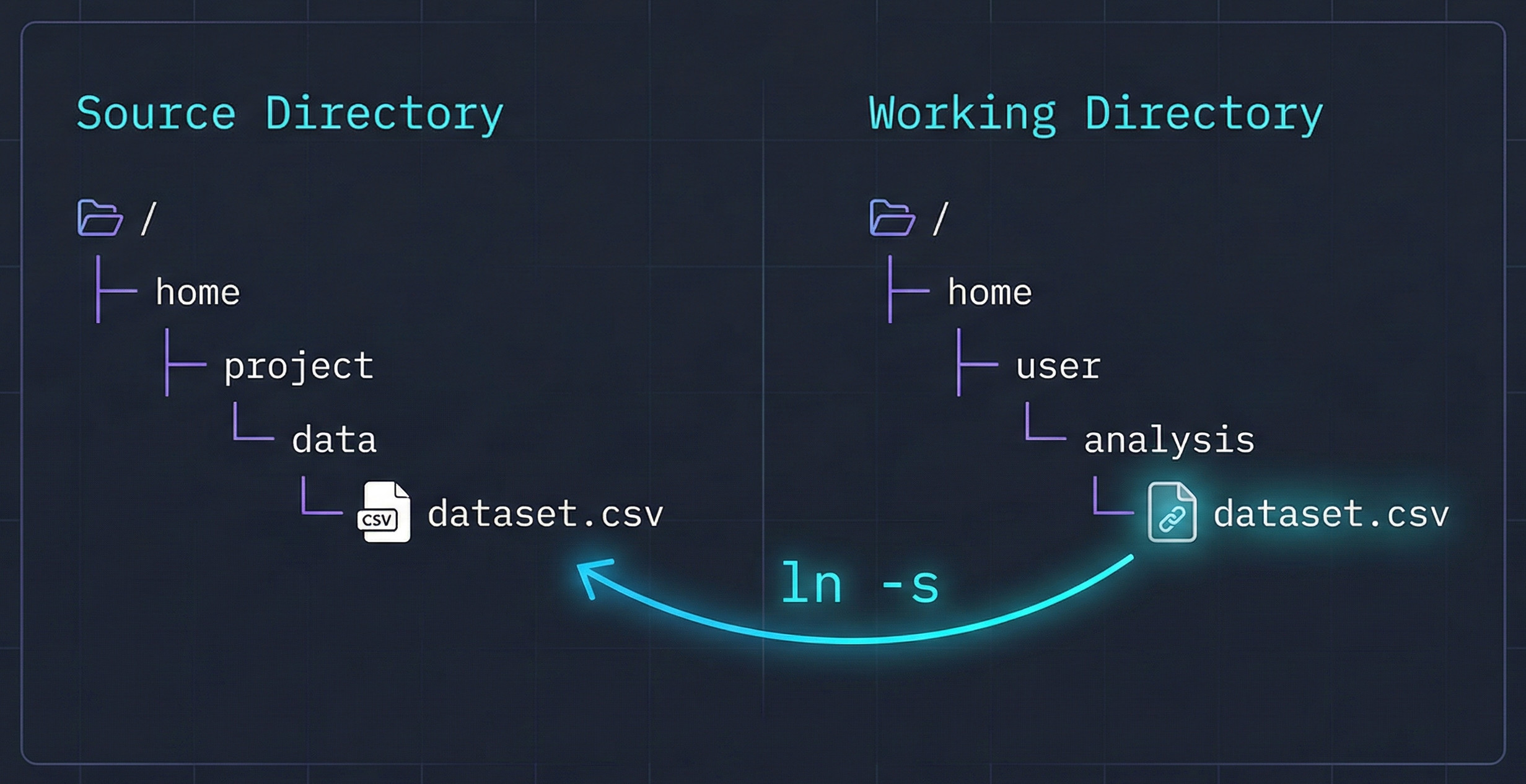
Symbolic links for fun and profit
As a former Ubuntu user turned Mac user, I enjoy the bash terminal and POSIX command line that my Mac comes with. I also like the polished user interface that my Mac GUI provides for the times that I don’t want to think about what my computer is doing, I just want it to work
I use iCloud on my Mac to store files and access them across multiple devices. One thing that I noticed early on is there there is a Local and an iCloud version of folders like Documents and that accessing the iCloud version is not-so simple from your home directory.
...
You don't need a 'B' suffix for byte literals in Java
Today I was coding in Java and I came across a part of the code where I was using a byte literal. I’ve been using Java for a while, so I knew that you have to suffix long literals with an ‘L’ otherwise Java complains.
long myLong = 3000000000L; // Java is happy long myOtherLong = 3000000000; // Java is sad (too big for int) So when I went to create my byte literal I figured I would need to put a suffix on the number, like I do with long literals. But when I tried it, it turns out I didn’t need to.
...
How to custom style your VS Code markdown preview
I like writing notes. I like writing them in markdown. There is something wonderful about the power and simplicity of markdown formatting to transform my readable text files into elegant pages.
VS Code is a great tool and has markdown editing and preview bundled in for free. If you haven’t tried it, open a Markdown file and choose Markdown: Open Preview to the Side.
This will open up a preview window to the side that will show you a transformed version of your markdown.
...