Today, I downloaded a community copy of dBeaver and installed it. Well technically I did this a while back, but today I opened it for the first time. I’ve been meaning to write about sql and relational databases for a while now. Some sort of beginner posts to help get people started. I’ve even started doing it once or twice, but it has fizzled out for all the typical reasons:
- Life got busy
- Lost interest
- Tried to be too ambitious right off the bat
This post is not about my past failures, it is about me downloading and installing dBeaver to begin a series of posts on learning SQL.
But what is dBeaver?
dBeaver is an open source database management tool that supports wide variety of databases. It allows you to interact with databases from the comfort of a nice clean interface. In a way you can think of it as VS Code for databases rather than coding.
I installed it on my Mac using brew:
brew install --cask dbeaver-community
You can also visit their downloads page to see how to install it on your system.
Installation was simple and today it asked me if I would like to update dBeaver to the latest version when I opened it for the first time. Like I said, it had been a while since I downloaded it.
Sample Database
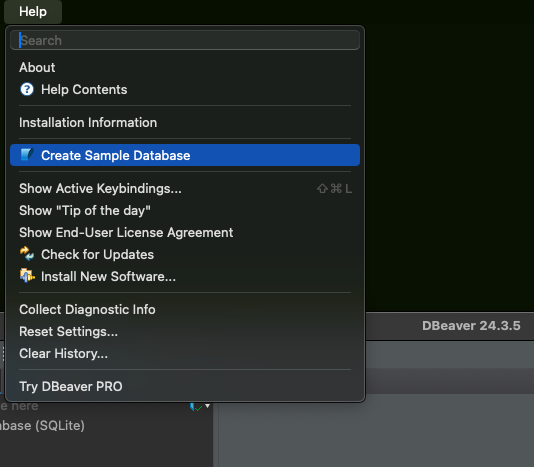
One thing that I enjoyed about opening dBeaver is that when I opened it for the first time it asked if I wanted to create a sample database. I accepted this option and it made the SQLite database and prompted me to download the appropriate drivers.
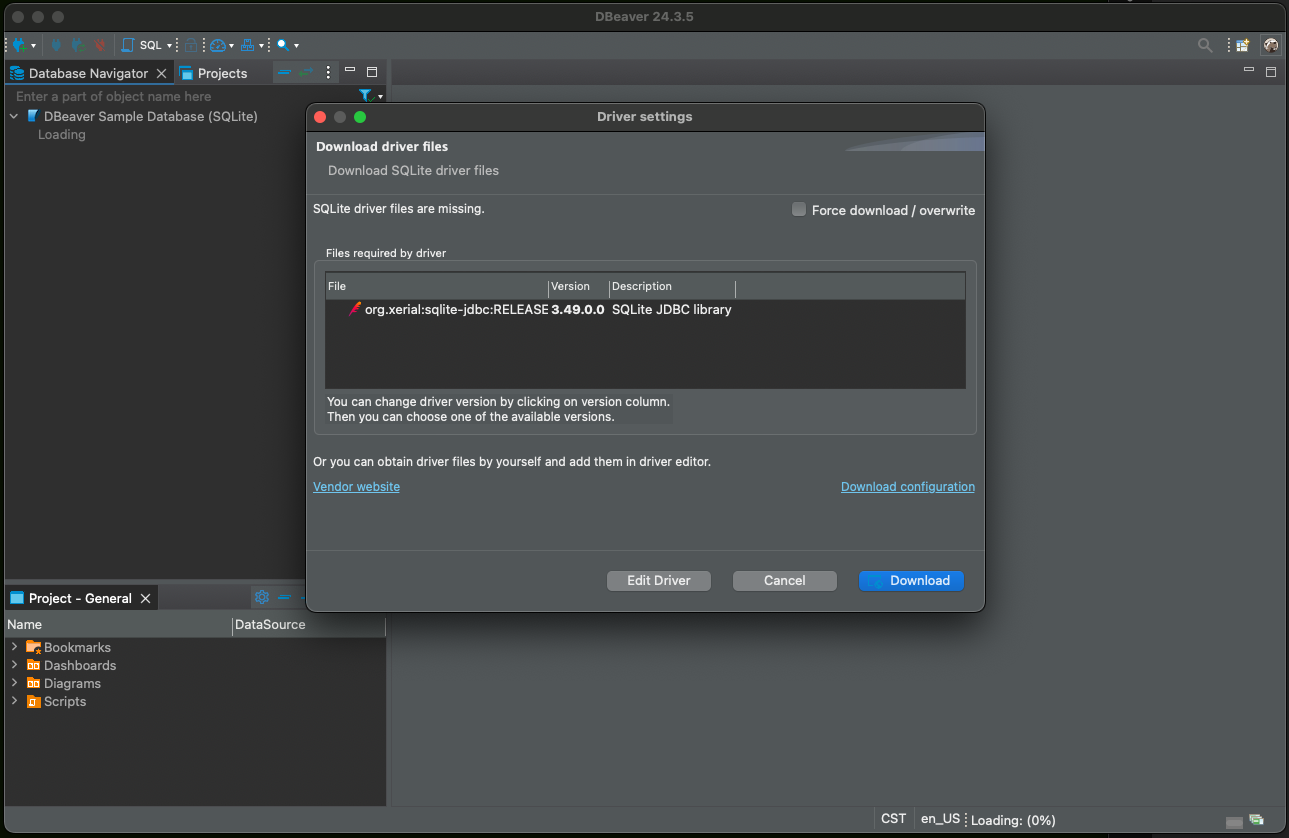 This is a nice onboarding experience because in the past, I would try out a database and get it installed and it’s all shiny and ready to go. But it’s empty, null, devoid of any data. This is a challenge when showing people about databases because I think that the best place to start is with querying data. This is something that most people will want to do, so it’s a good place to begin. With an empty database, you have to go through setting up a database, or at least a table, and this level up the difficulty for beginners.
If you have dBeaver installed and would like to re-install the sample database you can find it under the help menu.

